Found this helpful way to “View the References” of particular rules which are used in other rules but still we can not see the References when we seek for references from Actions–> View References
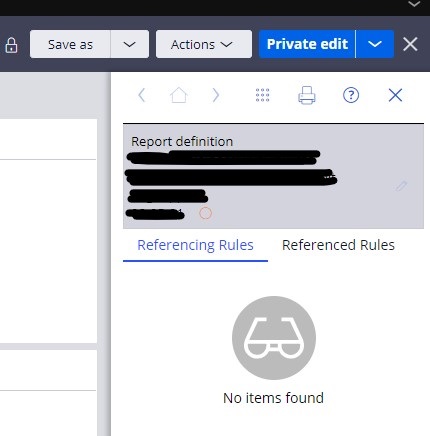
even though that rule is called in in other rule, references are not visible by this way.
In below cases when we search for references those are not visible
- when an Activity is called in data transform using method pxExecuteActivity and giving name of activity in double quotes , in such case if we view the references of that Activity we wont be able to see Data transform name is referencing rules.

- when particular rule name is set and used in double quotes in other rule, if we view the references of rule which is mentioned in double quotes then we wont be able to see the rule name in referencing rules where that rule name is set in double quotes.

- when the rule name is called in declare pages from other rule in that case also if we view references of called rule then we wont be able to see the name of rule from which we are calling using declare pages as shown below

Solution or where it works-
on top right corner we have search option , in the search field put the rule name and set below filter as ‘All content’ , it will list all related references included ones where that rule name is specified in Double Quotes.
